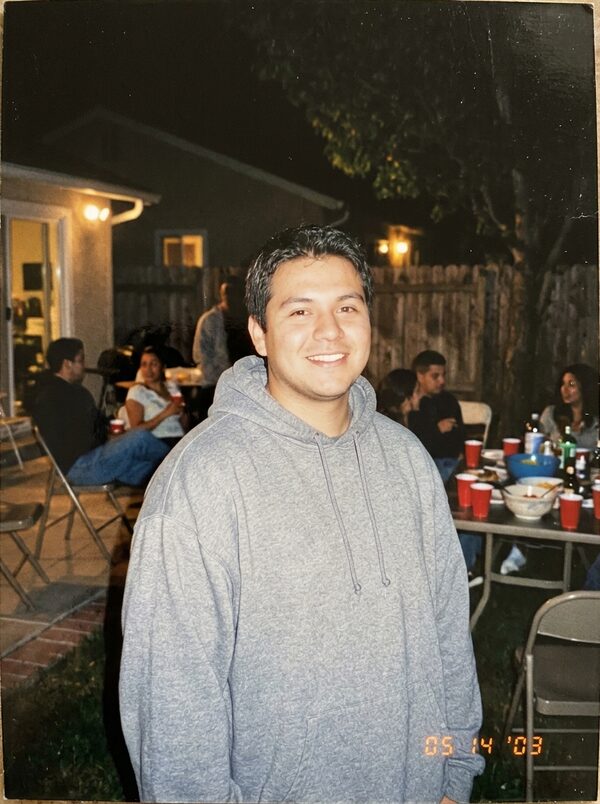

What is the AI hug trend?
AI hug videos spread on TikTok and Reels as people used two separate photos to show themselves hugging someone they can't be with: a relative far away or a friend overseas. The clips are short and quiet, and are often sent straight to the other person.
How it works
Add your photos
First person: face clear, chest up. Second person: face clear, chest up, or your pet for the pet version.
Pick a style
Choose warm hug, reunion at the airport or with your pet. A short direction is optional.
Get your take
A 8-second vertical MP4 arrives in 2–4 minutes, ready for TikTok, Reels and Shorts.
What happens in the 8 seconds
- 0–2s
You stand a few steps apart in a sunny park and smile at each other.
- 2–5s
You step toward each other and share a warm, tight hug.
- 5–8s
You hold the hug, swaying gently, in soft golden light.
Ideas for your take
- A hug for family or friends who live far away
- A reunion clip before a trip home
- A birthday message for someone you miss
- A cuddle with your pet when you're away from home
What it costs
One take uses 40 credits. Your first take on MagicTakes is free. Credits come in one-time packs, never expire, and a take that fails gives its credits back.
| Pack | Takes | Per take |
|---|---|---|
| Starter · $9.99 | 2 | $4.00 |
| Creator · $29 | 8 | $3.52 |
| Pro · $79 | 25 | $3.16 |
If a take doesn't look right
- One face doesn't look like the person
- Use sharper, front-facing photos where the face fills more of the frame.
- The two look different sizes or lit differently
- Pick photos taken from a similar distance, both chest up and in daylight if you can.
- Arms or hands look tangled in the hug
- Make another take. Photos where both people's shoulders are visible give the hug more to work with.
- The pet doesn't look like your pet
- Choose a close, sharp photo of your pet with its whole head in view.
Questions about AI Hug
Do both people need to be in the same photo?
No. Upload one photo of each person. We place you side by side in one scene first, then animate the hug.
What photos work best?
One adult per photo, face clear, chest up, facing the camera. Photos with similar light and distance blend best.
Can I hug my pet?
Yes. Pick With your pet and upload a photo of your dog or cat as the second photo. You'll kneel beside it in the park and give it a gentle cuddle.
How long does it take?
Usually 2 to 4 minutes. You can leave the page open or come back to your library later; the take is saved there when it's ready.
How much does it cost?
One take costs 40 credits. If a take fails, the credits go back to your balance automatically.
What happens to my photos?
Your photos are only used to make your take and are deleted after 30 days. Your takes are private to your account unless you share them.
Can I post it on TikTok or Reels?
Yes. Every take is a vertical 9:16 video at 720p, ready to post. It has no sound, so add a track in the app when you post.
Whose photos can I use?
Only photos of adults who agreed to it, including yourself. Photos of children can't be used. Pet photos are fine for the pet version.