AI Couple Video Ideas: 5 Videos for Partners and Friends From Separate Photos
You don't need a photo of the two of you together to make a video together. These five MagicTakes templates take one photo of each person, place you in the same scene and animate the moment. Because every one of them puts someone else's face in a video, this guide starts with consent.
Ask first, every time
Every template here uses a photo of another person. That person gets a say, both before you make the take and before you post it. A partner who is happy to see a slow dance in your chat may not want it on your public profile, and that is their call as much as yours.
- Only use photos of adults who agreed to be in the video.
- Ask again before posting publicly, even if they said yes to making it.
- Never use a photo of an ex, a crush, a stranger or a coworker who hasn't agreed.
- Photos of children can't be used, and neither can photos of public figures.
- If someone asks you to take a video down, take it down.
- Uploads are deleted after 30 days, and your takes are private unless you share them yourself.
How these templates work
- Open the template and pick a style or setting.
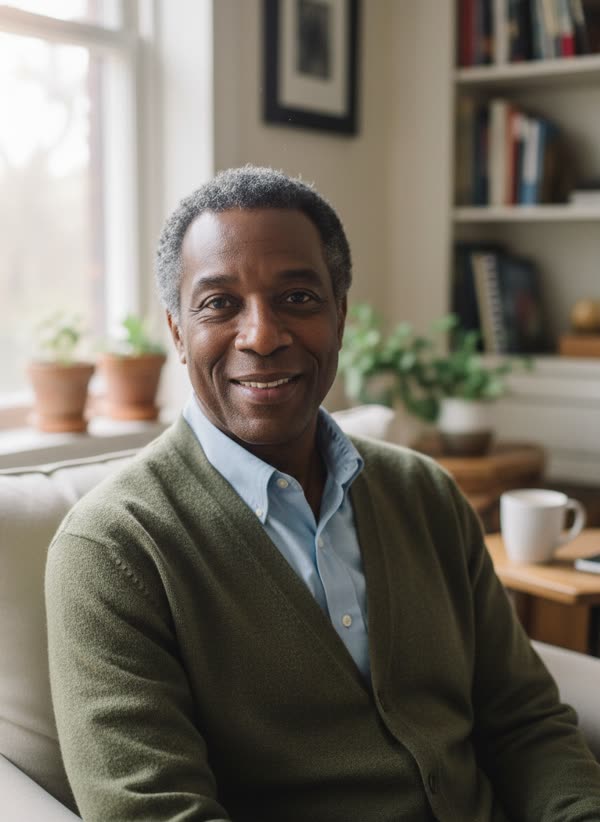
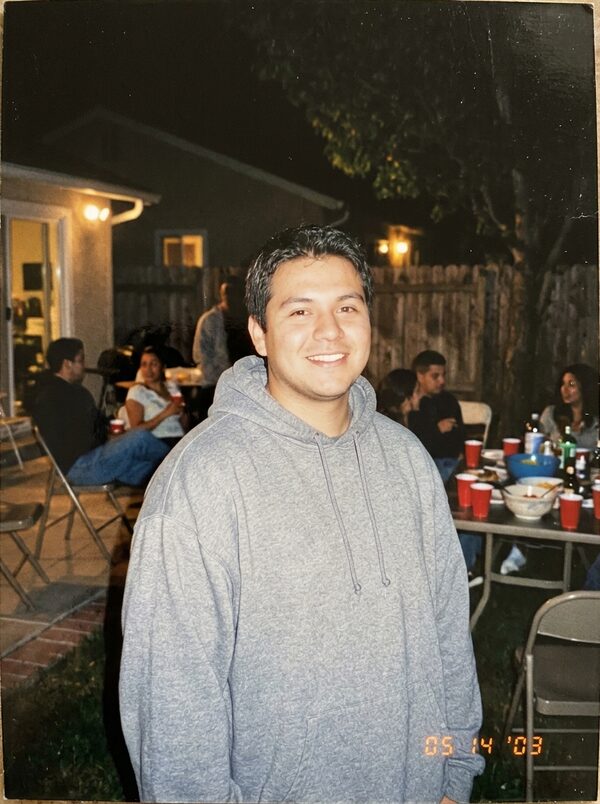
- Upload one photo per person into the right slot. Each photo should show one adult, face clear and facing the camera.
- Tap Make my take. Your first take is free with a small magictakes.com mark; after that, credits come in one-time packs from $9.99 for 100 and never expire.
- Wait 2 to 4 minutes while we place everyone in one scene and animate it. The take is saved in your library.
- Download the 9:16 MP4 and share it with the people in it first. If a take fails, its credits go back automatically.
Ideas for couples
1. AI Hug (40 credits, 8 seconds, two photos). You stand a few steps apart in a sunny park, step toward each other and share a warm, long hug in golden light. Warm hug suits family and partners, and Reunion at the airport adds a suitcase and a quick last step, so it feels like the end of a long time apart. It is the quiet one, and it is often sent straight to the other person rather than posted.
2. Slow Dance (40 credits, 8 seconds, two photos). The two of you hold each other under the lights and sway, share one gentle turn and rest your foreheads together as the camera circles. Choose a Rooftop at dusk, an elegant Ballroom or a Snowy night street. It suits anniversaries, wedding countdowns and holiday cards.
3. Zombie Couple (40 credits, 8 seconds, two photos). The funny one. You play the survivor and walk ahead, glancing back, while your partner, as a goofy movie-style zombie, shuffles behind, catches up and goes in for a clumsy hug. You laugh and hug back. Pick a Foggy street or an Empty supermarket. You go in the first slot and the partner who becomes the zombie goes in the second, so ask them which role they want.
Ideas for milestones and friends
4. Then and Now (40 credits, 8 seconds, two photos of the same person). This one isn't about two people, but it fits the same moments. Upload an older photo of yourself as an adult and a recent one, and today's you sits beside your younger self on a bench, pulls them into a hug and smiles at the camera with them. For an anniversary, each of you can make one and post them together. Childhood photos can't be used.
5. Friends Dance Party (40 credits, 8 seconds, three photos). You and two friends at a House party or a Backyard party, moving to the beat, clapping and pointing at the camera together before you finish with your arms around each other as confetti falls. It is made for friend groups who live in different cities. All three people need to agree, so ask in the group chat first.
AI Hug works for friends too: it was made with family and friends who live far away in mind.
Getting photos that match
Multi-person clips go wrong in predictable ways: one person looks bigger, lit differently, or less like themselves. Almost all of it comes from photos that don't match each other.
- Ask everyone for a photo taken the same way: chest up for the hug, slow dance and zombie couple, waist up for the dance party.
- Similar light in every photo. Daylight near a window is easy for everyone to copy.
- Faces clear and front-facing, with no sunglasses or heavy filters.
- One person per photo, not cropped out of a group shot.
- If arms or hands look tangled, make another take. Each take is a new attempt.
When to send or post them
All five make silent 9:16 MP4 files at 720p, ready for TikTok, Instagram Reels and YouTube Shorts, or for sending directly. Add your own music when you share.
- Anniversaries and Valentine's Day: Slow Dance, or AI Hug for a long-distance couple. Caption idea: Same dance, every year.
- Halloween: Zombie Couple, as a couples costume idea before you commit.
- Before a trip home or a reunion: AI Hug with Reunion at the airport.
- Birthdays and group reunions: Friends Dance Party, sent to the group first.
- A new chapter, a recovery or a move abroad: Then and Now, for yourself or alongside your partner's.
Questions
Do we need a photo of us together?
No. Every template here takes one photo per person and places you in the same scene before animating it.
What if my partner says no?
Then don't make it. These videos show their face, so their agreement is required, not optional.
Can I use these with my pet instead of a partner?
AI Hug has a With your pet style for exactly that. The other templates here are made for people only.
Which one costs the least?
They all cost the same: 40 credits for an 8-second take. Your first take is free with a small magictakes.com mark.
Can I make it for two friends who aren't me?
Yes, if both are adults who agreed to it and are happy for you to make it. Share the result with them before anyone else.