What is the 80s AI photo trend trend?
Retro AI portraits that restyle people in 1980s and 1990s looks, often modelled on yearbook and mall studio photos, keep coming back on TikTok and Instagram. The video version adds a hair flip, a point at the camera and a soft VHS look.
How it works
Add your photo
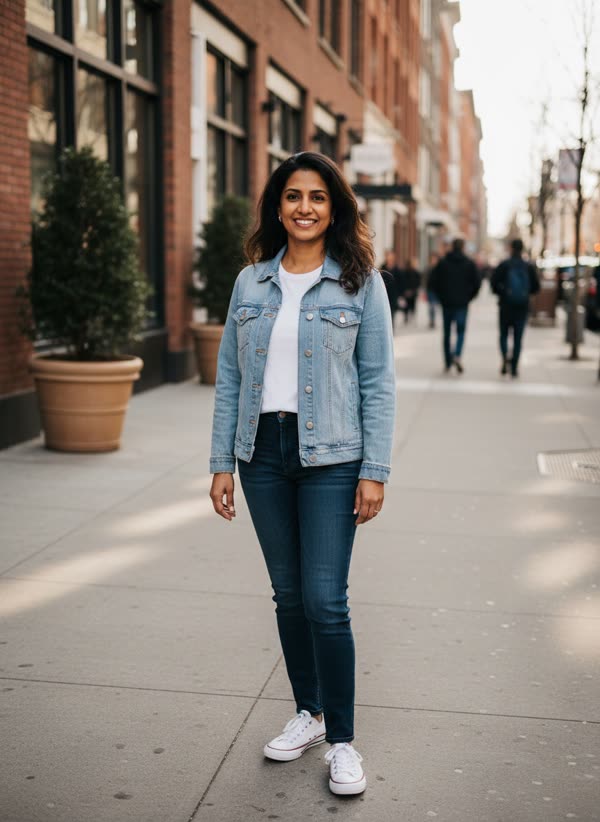
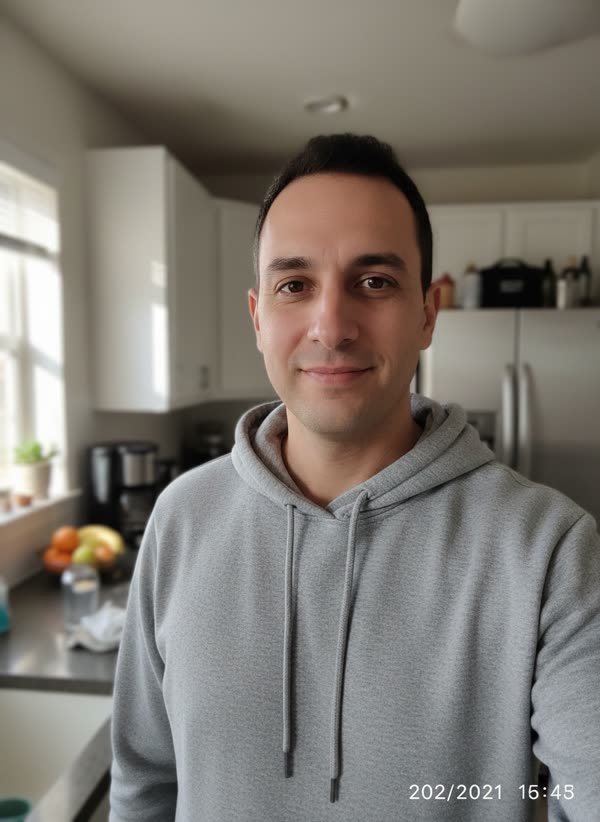
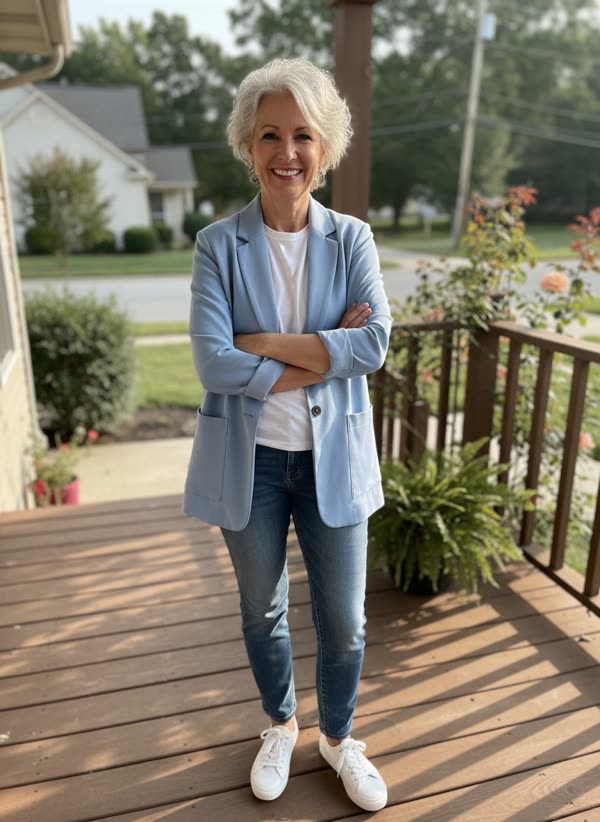
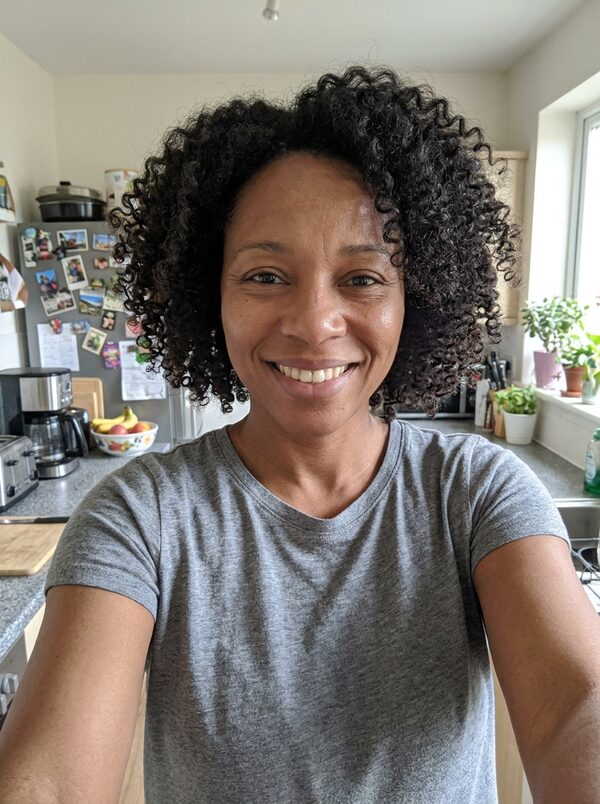
You: face clear, chest up, facing the camera.
Pick a style
Choose neon '80s, '90s or '70s disco. A short direction is optional.
Get your take
A 6-second vertical MP4 arrives in 2–4 minutes, ready for TikTok, Reels and Shorts.
What happens in the 6 seconds
- 0–2s
You appear in full '80s style in front of a neon laser grid, running a hand through your big hair.
- 2–4s
You flip your hair, turn to the camera and point at the lens.
- 4–6s
Both hands point at the camera as you break into a big laugh.
Ideas for your take
- A throwback post for your birthday
- A theme-party invite
- Seeing how you'd have looked in your parents' era
What it costs
One take uses 30 credits. Your first take on MagicTakes is free. Credits come in one-time packs, never expire, and a take that fails gives its credits back.
| Pack | Takes | Per take |
|---|---|---|
| Starter · $9.99 | 3 | $3.00 |
| Creator · $29 | 11 | $2.64 |
| Pro · $79 | 33 | $2.37 |
If a take doesn't look right
- Your face looks different
- Use a sharper, front-facing photo with even light and no filters.
- The restyle is too subtle
- Pick a photo with your hair visible; a hat or hood leaves little to restyle.
- The VHS look is too strong or too weak
- It varies a little between takes. Make another take from the same photo.
- Your hair colour changed
- Make another take. The restyle is meant to keep your own hair colour.
Questions about 80s Glow-Up
What photo works best?
One person, face clear, chest up, facing the camera, with your hair visible. Skip hats and heavy filters.
Will it still look like me?
The restyle changes your hair styling, clothes and backdrop, and keeps your face, skin tone and hair colour. If a take drifts, make another from the same photo.
Which decades can I choose?
Neon '80s, '90s and '70s disco. You can try another decade on the next take.
How long does it take?
Usually 2 to 4 minutes. You can leave the page open or come back to your library later; the take is saved there when it's ready.
How much does it cost?
One take costs 30 credits. It is a 6-second take, a little shorter than most. If a take fails, the credits go back to your balance automatically.
What happens to my photos?
Your photos are only used to make your take and are deleted after 30 days. Your takes are private to your account unless you share them.
Can I post it on TikTok or Reels?
Yes. Every take is a vertical 9:16 video at 720p, ready to post. It has no sound, so add a track in the app when you post.
Whose photos can I use?
Only photos of adults who agreed to it, including yourself. Photos of children can't be used.