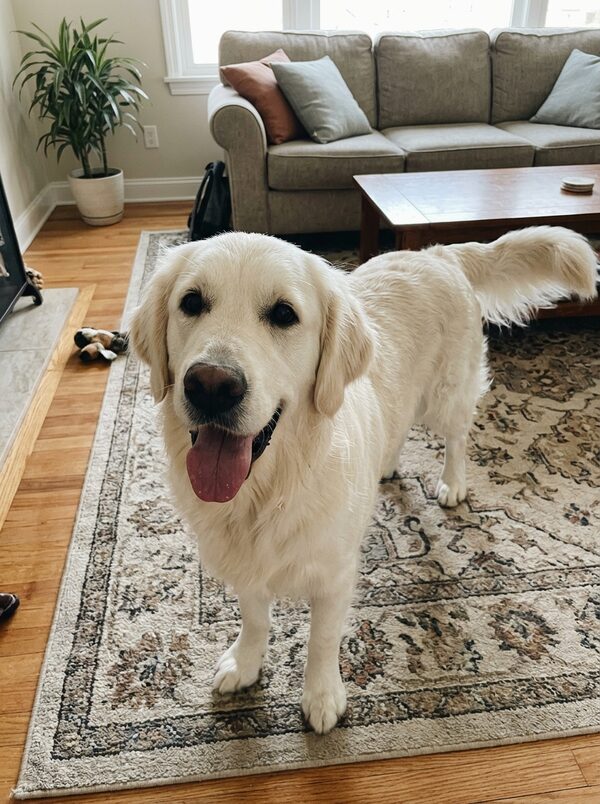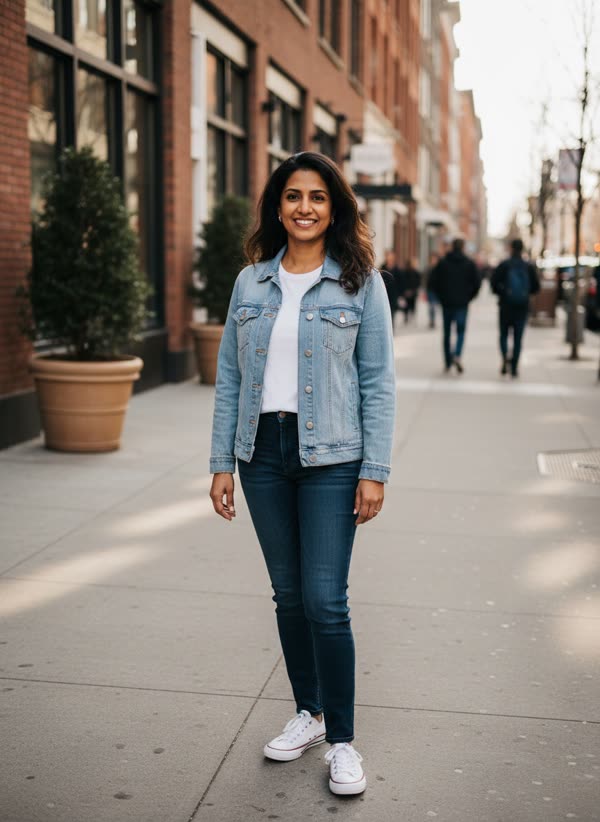
What is the Earth zoom out trend?
In 2025, clips that start on a person and pull back without a cut all the way out to Earth from space spread across TikTok and Reels. They borrow the look of satellite map zooms and are usually posted with dramatic music.
How it works
Add your photo
You: outdoors, full body or waist up, face clear.
Pick a style
Choose earth zoom out or my pet. A short direction is optional.
Get your take
A 8-second vertical MP4 arrives in 2–4 minutes, ready for TikTok, Reels and Shorts.
What happens in the 8 seconds
- 0–2s
You smile at a wide-angle selfie camera in a sunny city square, then wave as it lifts away.
- 2–4s
The camera shoots straight up and the whole city spreads out below.
- 4–6s
Clouds rush past and the curve of the horizon appears.
- 6–8s
It ends on the whole Earth, hanging in space.
Ideas for your take
- A travel post that starts with you and ends in orbit
- A dramatic opener for a birthday or a big announcement
- Showing your pet's place in the universe
- A loop for stories that people watch twice
What it costs
One take uses 40 credits. Your first take on MagicTakes is free. Credits come in one-time packs, never expire, and a take that fails gives its credits back.
| Pack | Takes | Per take |
|---|---|---|
| Starter · $9.99 | 2 | $4.00 |
| Creator · $29 | 8 | $3.52 |
| Pro · $79 | 25 | $3.16 |
If a take doesn't look right
- Your face changes in the first second
- Use a sharper photo where your face is front-facing and well lit.
- The opening shot isn't where you took the photo
- That's expected: every take opens in a sunny city square, wherever your photo was taken.
- The city doesn't look like yours
- The places along the way are made up by the AI, not taken from a real map. Treat it as an effect, not a location.
- The pet looks too small in the opening shot
- Pick a photo where your pet fills most of the frame, with its whole head visible.
Questions about Earth Zoom Out
What photo works best?
One person or one pet, face clear and in focus, ideally waist up or full body. Any background works: the clip always opens in a sunny city square.
Does it show my real city?
No. The streets, coastlines and country on the way out are generated, not pulled from a real map, so nobody can find your location from the video.
Can I make it with my pet?
Yes. Pick the My pet version and upload a clear photo of your dog or cat. The clip opens on your pet in the square instead.
How long does it take?
Usually 2 to 4 minutes. You can leave the page open or come back to your library later; the take is saved there when it's ready.
How much does it cost?
One take costs 40 credits for an 8-second clip. If a take fails, the credits go back to your balance automatically.
What happens to my photos?
Your photos are only used to make your take and are deleted after 30 days. Your takes are private to your account unless you share them.
Can I post it on TikTok or Reels?
Yes. Every take is a vertical 9:16 video at 720p, ready to post. It has no sound, so add a track in the app when you post.
Whose photos can I use?
Only photos of adults who agreed to it, including yourself. Photos of children can't be used. Pet photos are fine for the pet version.