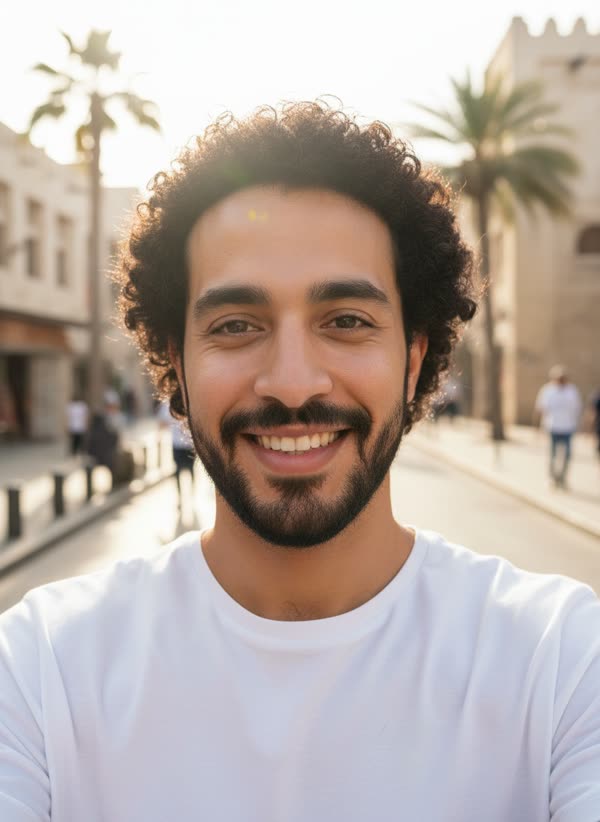
What is the AI billboard trend?
Clips that show someone's face on a giant city billboard, with people stopping to look up, became a popular AI trend for birthdays, congratulations and playful bragging. Most are set in a big-city square at night; the square here is generated, with no real brands on the screens.
How it works
Add your photo
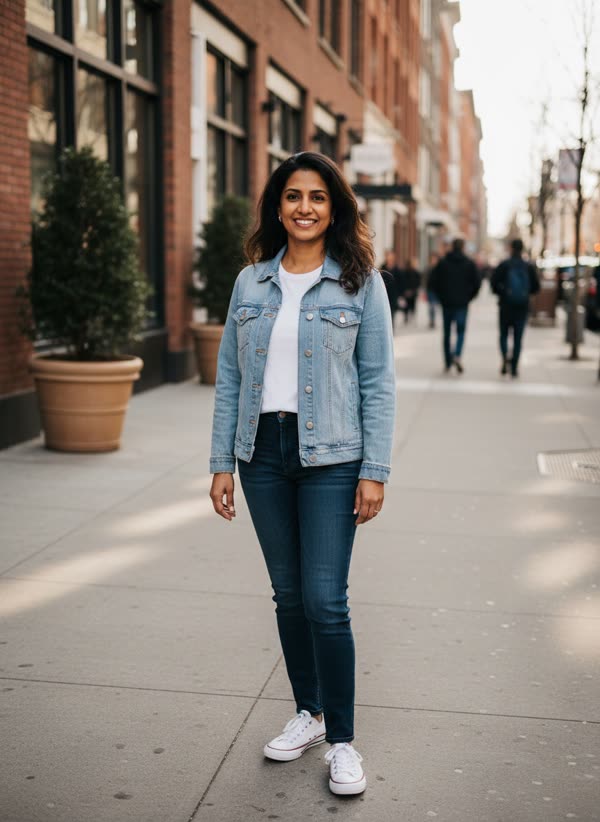
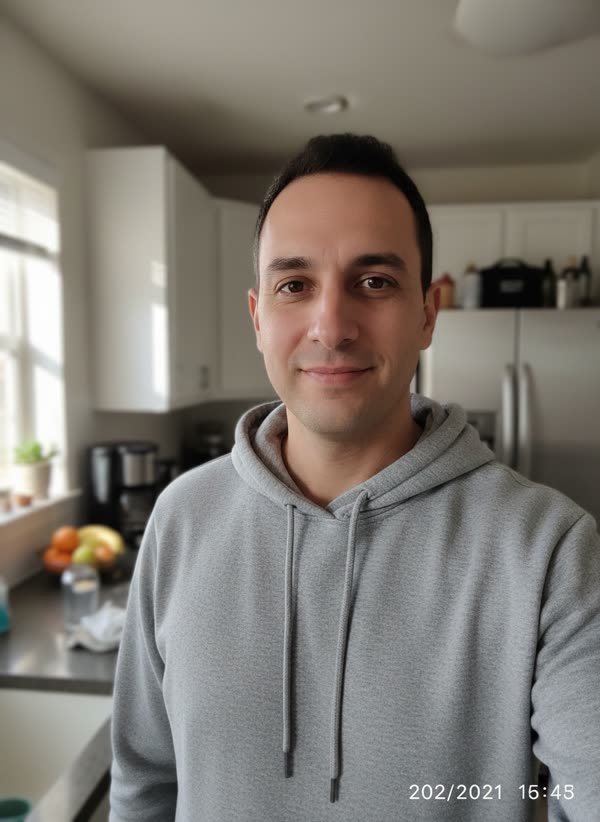
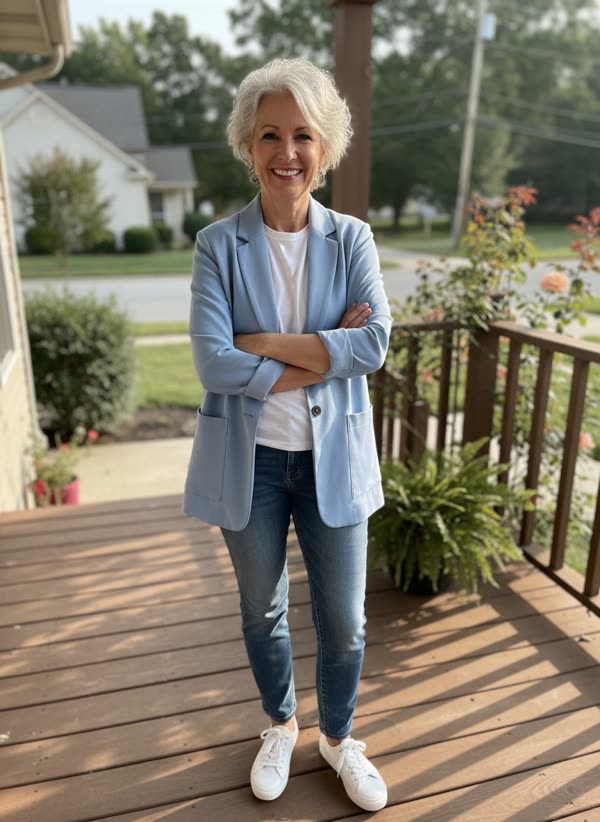
You: face clear, chest up, facing the camera.
Pick a style
Choose city square or my pet. A short direction is optional.
Get your take
A 8-second vertical MP4 arrives in 2–4 minutes, ready for TikTok, Reels and Shorts.
What happens in the 8 seconds
- 0–3s
Your face fills a giant screen above a wet city square at night, pink feathers lifting in the breeze.
- 3–5s
You blink slowly and break into a proud smile.
- 5–8s
The camera pulls back over the rainy street as taxis pass and people with umbrellas stop to film.
Ideas for your take
- A birthday surprise for a friend
- Celebrating a new job, a launch or a graduation
- Your pet's moment of fame
- A mock announcement for the group chat
What it costs
One take uses 40 credits. Your first take on MagicTakes is free. Credits come in one-time packs, never expire, and a take that fails gives its credits back.
| Pack | Takes | Per take |
|---|---|---|
| Starter · $9.99 | 2 | $4.00 |
| Creator · $29 | 8 | $3.52 |
| Pro · $79 | 25 | $3.16 |
If a take doesn't look right
- Your face on the billboard looks different
- Use a sharp, front-facing photo, chest up, with even light on your face.
- The screens show strange words
- Make another take; the screens are meant to be wordless.
- Your portrait barely moves
- The motion on the screen is meant to be subtle: a blink, a smile, the feathers in the breeze. Make another take for a bigger smile.
- The pet's face is cropped
- Use a photo with your pet's whole head and ears in view.
Questions about Billboard Star
What photo works best?
A sharp, front-facing photo, chest up, with nothing covering your face. It's shown very large, so blur shows more than usual.
Is it a real city?
No. It looks like a big-city square after rain, with tall towers and yellow taxis, but the buildings, screens and crowd are generated, with no real brands or logos.
Can I put my pet on the billboard?
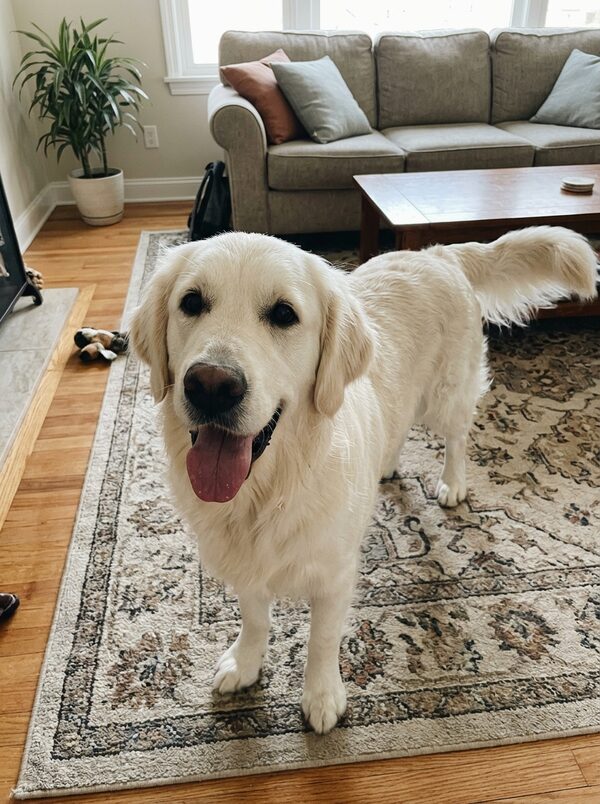
Yes. Pick the My pet version and upload a clear photo of your dog or cat with its whole head in view.
How long does it take?
Usually 2 to 4 minutes. You can leave the page open or come back to your library later; the take is saved there when it's ready.
How much does it cost?
One take costs 40 credits for an 8-second clip. If a take fails, the credits go back to your balance automatically.
What happens to my photos?
Your photos are only used to make your take and are deleted after 30 days. Your takes are private to your account unless you share them.
Can I post it on TikTok or Reels?
Yes. Every take is a vertical 9:16 video at 720p, ready to post. It has no sound, so add a track in the app when you post.
Whose photos can I use?
Only photos of adults who agreed to it, including yourself. Photos of children can't be used. Pet photos are fine for the pet version.