How to Make the AI Zombie Transformation Video From One Photo
Every October people post short clips of themselves as movie-style zombies, and most of them play it for laughs. The Zombie Transformation template on MagicTakes makes one from a single photo: zombie make-up, torn clothes and a foggy street at night, in an 8-second vertical clip. Here is how to get a zombie that still looks like you.
What the zombie transformation trend is
The look borrows from classic zombie films: grey skin, dark eyes, torn clothes and an empty street at night. The joke is seeing someone you know in it, shuffling toward the camera with a blank stare.
On MagicTakes it is movie make-up, not horror. Your skin gets a pale grey-green tint, thin dark veins at the temples, milky eyes, cracked lips and smudges of dirt, and your own clothes become torn and dusty. There is no blood, no wounds and nothing graphic. The make-up sits on top of your own face, so friends still recognise you.
The 8 seconds play out like a short scene. You stand in the fog under an orange street lamp, head lowered, shoulders twitching. Then you lift your head, lock eyes with the lens and shuffle two stiff steps toward the camera as it pushes in. Up close, you give a slow, goofy head tilt and a crooked grin while fog rolls past.
How to make it on MagicTakes
- Open the Zombie Transformation template.
- Upload one photo of yourself: face clear, chest up.
- Choose a style: Classic zombie, Zombie bride or groom, or My pet.
- Tap Make my take. It costs 40 credits, and your first take is free with a small magictakes.com mark.
- Wait two to four minutes. You can leave the page; the take is saved in your library when it is ready.
- Download the 8-second 9:16 MP4 and post it.
Which photo works best
The make-up only works if the face underneath is clearly yours, so the photo should show your face plainly.
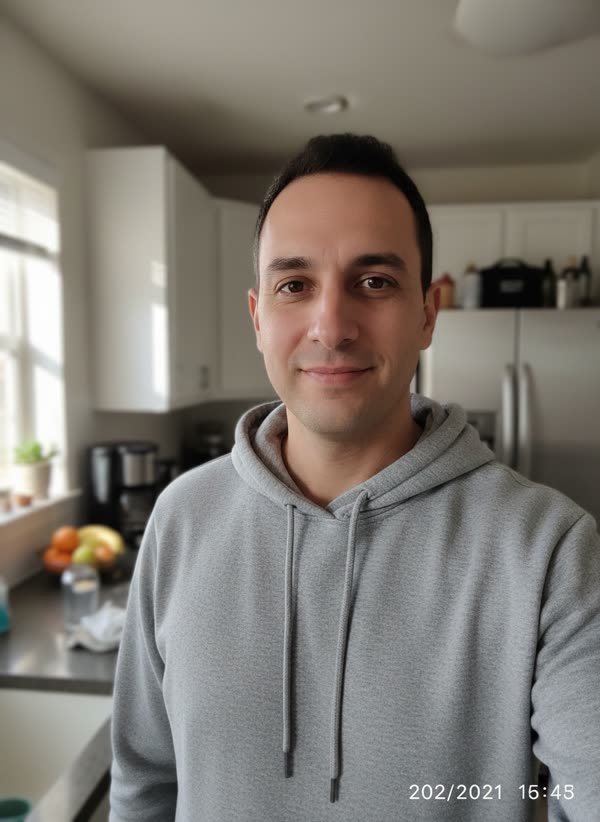
A selfie at arm's length works, as long as the light is even. Face a window rather than having it behind you, so your features stay clear under the make-up.
- Face the camera with your whole face in view
- Good, even light, with no sunglasses, hats or filters
- Just you in the photo; crop out other people
- Chest up is enough, since the scene frames you from the chest up
- A neutral or slightly serious face makes the slow look-up more convincing
Choosing a style
Classic zombie is the standard version: torn, dusty everyday clothes on a foggy city street. Start here if you just want the trend.
Zombie bride or groom dresses you in a tattered vintage wedding outfit, a torn dress with a ragged veil or a torn dark suit with a wilted flower in the lapel, and puts a bunch of dried flowers in your hands. You keep hold of the flowers as you shuffle toward the camera. It is a good way to try the costume before you buy anything.
My pet is for a dog or cat instead of a person. Your pet becomes a cute, friendly zombie with slightly scruffy fur, a torn little bandana and faintly milky eyes, keeps its own fur and markings, walks stiffly toward the camera on all fours, then sits close to the lens and tilts its head.
Ideas for posting it
Takes are silent 9:16 MP4 files, ready for TikTok, Instagram Reels and YouTube Shorts. Add a spooky sound or a voice-over when you post.
Post in the run-up to Halloween, while people are still planning costumes. A zombie take in the last week of October fits right in; the same take in mid-November needs more explaining.
- Post your normal photo first, then the zombie take, as a before-and-after
- Caption it "Monday morning" or "Me before coffee"
- Use it as your costume reveal in the group chat if you're not dressing up this year
- Post a Classic take and a bride or groom take and ask which one to wear for real
- Make one of your pet too and post them together
When a take doesn't look right
- The face doesn't look like you: use a sharp, front-facing photo in good light, without sunglasses or heavy filters.
- The make-up is too strong or too weak: make another take from the same photo. Each take is a new attempt and the make-up varies a little.
- Someone else shows up as a zombie too: crop the photo so only you are in it.
- A take failed to generate: its credits go back to your balance automatically.
Whose photo you can use
Use a photo of yourself, of another adult who agreed to it, or of your own pet. Photos of children and of public figures can't be used. Your uploads are deleted after 30 days, and your takes stay private unless you share them.
Questions
Can I turn a friend into a zombie as a surprise?
Only if they are an adult and agreed to it. Ask first, then send them the take; it makes a better surprise when they are in on it.
What's the difference between Classic and bride or groom?
Classic uses your own clothes, torn and dusty. Zombie bride or groom swaps them for a tattered wedding outfit and a bunch of wilted flowers.
Does the video have sound?
No. Takes are silent, so you can add any sound you like when you post.
How many zombie takes does a credit pack cover?
Each take is 40 credits. The Creator pack has 330 credits for $29, enough for eight takes, and credits never expire.