How to Make a Pet Halloween Costume Video From One Photo
Most pets will not keep a costume on long enough for a photo, let alone a video. The Spooky Pet template on MagicTakes skips the struggle: one photo of your dog or cat becomes a 5-second clip of it in a Halloween costume, in a candle-lit scene. This guide covers the photo to use, the four costumes and what to do when a take misses.
What the spooky pet video looks like
The take opens with your pet already in costume, in a cozy Halloween scene at night with carved pumpkins and warm candle light. Over the next few seconds it looks around and tilts its head while the candles flicker, then a few autumn leaves drift by as the camera slowly moves in.
It is spooky in the cute sense. There are no scary faces and nothing gory, so it works in a family group chat as well as on your pet's own account. The costume goes on around your pet, and its face, fur colour and markings stay its own.
Pet costume posts show up every October. This version gives you the costume shot without buying or fitting anything, and it is a quick way to see a few costumes on your pet before you decide on a real one.
How to make it on MagicTakes
- Open the Spooky Pet template.
- Upload one photo of your pet, with its whole head and ears in view.
- Choose a costume: Little witch, Pumpkin, Vampire or Friendly ghost.
- Tap Make my take. It costs 40 credits, and your first take is free with a small magictakes.com mark.
- Wait two to four minutes. You can leave the page; the take is saved in your library when it is ready.
- Download the 5-second 9:16 MP4, or make another take with a different costume from the same photo.
Which photo works best
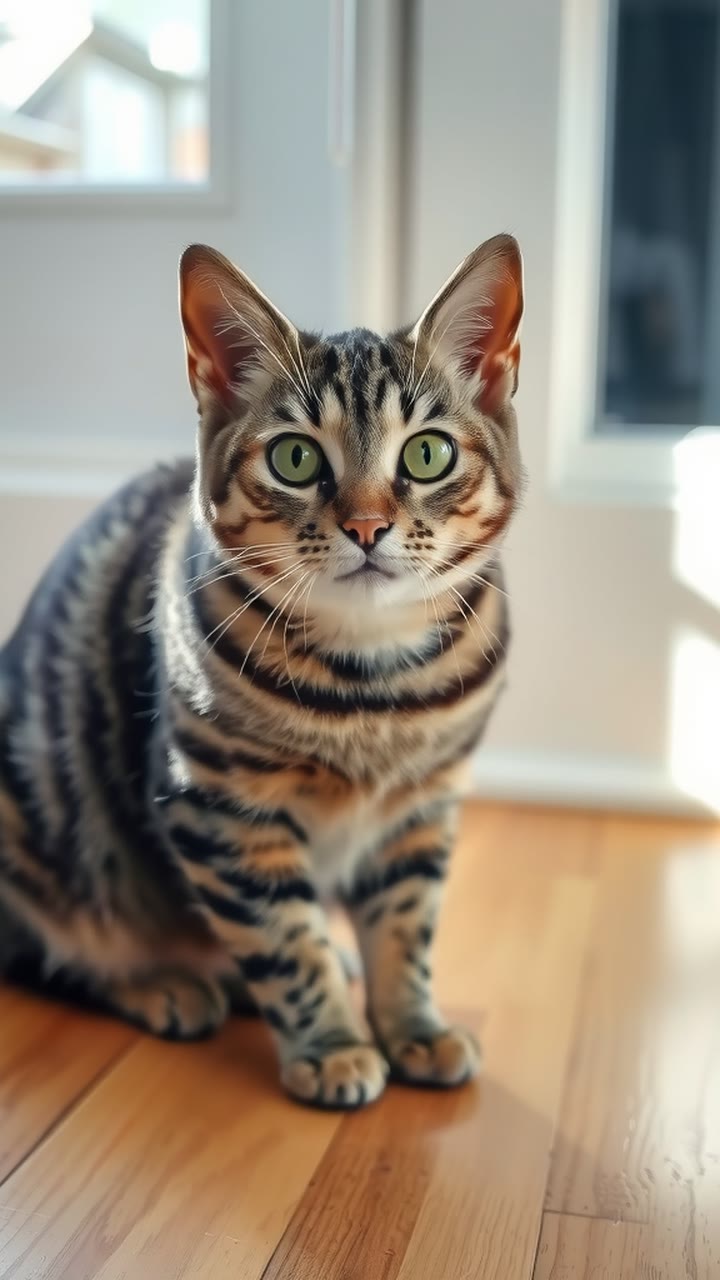
The costume needs to fit around your pet's head, so the photo has to show all of it. A clear, simple photo gives a better fit than a clever one.
Phone photos are fine. If your pet won't look at the camera, take a burst while someone holds a treat just above the lens, then pick the frame where the face is sharpest and both ears are up.
- One pet, facing the camera, taking up most of the photo
- The whole head and both ears in view, so the hat, hood or collar sits properly
- A bright, sharp photo without filters
- No other pets or people in the frame; crop them out before you upload
- Any background is fine, since your pet is placed in the Halloween scene
Choosing a costume
Little witch gives your pet a small witch hat and a purple cape. It is the classic Halloween look and reads clearly even on a small phone screen.
Pumpkin is a soft orange pumpkin outfit with a green stem hat. It is the most playful of the four and adds a lot of colour, which helps if your pet is dark and the scene is dim.
Vampire is a black cape with a red collar. It suits a pet with a dignified face and makes a nice contrast on a light-coloured coat.
Friendly ghost is a white sheet with cut-out eyes that leaves the face visible. It is the gentlest option and the one most likely to get a laugh.
You pick one costume per take. To compare, make another take from the same photo with a different costume; each new take sits next to the last one in your library.
Ideas for posting it
Takes are silent, vertical MP4 files, so they fit TikTok, Instagram Reels and YouTube Shorts as they are. Add your own sound in the app when you post.
Timing helps. In the days before Halloween people are still deciding what to wear, so costume posts give them something to reply to. Post a take early and save your favourite for the night itself.
- Make all four costumes and post one a day in the last week of October
- Post two costumes side by side in your stories and ask friends to vote
- Caption it from your pet's point of view, for example "I agreed to one photo"
- Send it to the family chat as a moving Halloween card
- Use it as your pet account's profile video for the month
When a take doesn't look right
- It doesn't look like your pet: use a brighter, sharper photo where the face and markings are easy to see, then make another take.
- The hat sits oddly or hides an ear: use a photo with the whole head and both ears in view.
- The motion feels stiff: make another take from the same photo. Each take is a new attempt and moves a little differently.
- The take failed to generate: its credits go back to your balance automatically.
Questions
Is the first take really free?
Yes. Your first take is free and carries a small magictakes.com mark. After that, Spooky Pet costs 40 credits a take, from one-time packs that start at $9.99 for 100 credits. Credits never expire.
Can I put two pets in one video?
No, the template is made for one pet. Crop the photo so one pet fills most of the frame, and make a separate take for each pet.
How long is the video, and does it have sound?
Five seconds, vertical 9:16, with no sound, so you can add your own when you post.
Do you keep my photo?
Uploads are deleted after 30 days. Your takes stay private unless you share them yourself.