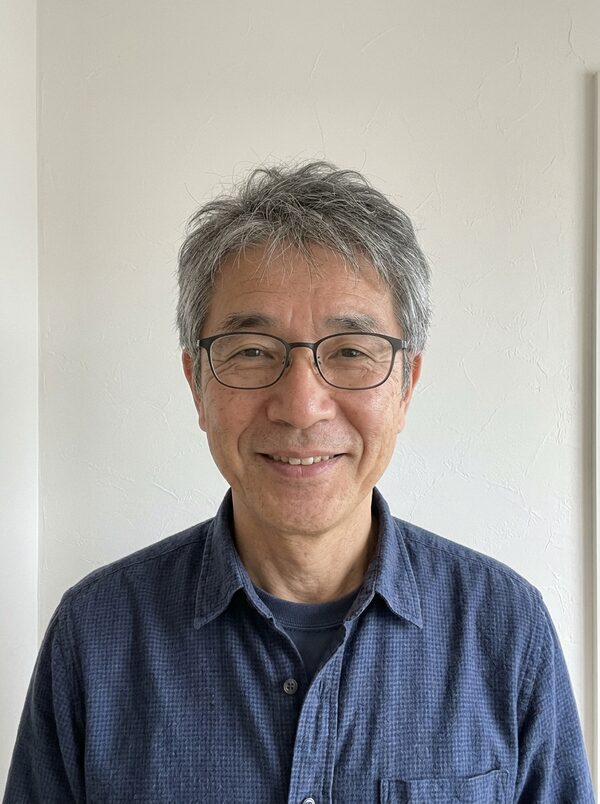
How to Make the AI Squish Face Video of You or Your Pet From One Photo
In the squish face video, two giant cartoon hands reach in, squeeze your head like a soft stress ball and let go, and you burst out laughing. It takes one photo and works on pets too. Here is how to get a clean squish and a face that comes back exactly like yours.
What the squishy face trend is
Squishy face clips, where a head gets squeezed like a stress ball and pops back into shape, became a popular AI effect on TikTok and Reels. They work on people and pets alike, and the bounce back is the punchline. It is silly, harmless and short, which makes it a good reply in a chat.
On MagicTakes it is an 8-second vertical clip. Your photo first becomes a bright studio portrait on a pastel mint background, head and shoulders, with room around your head. In the first second giant white cartoon-gloved hands reach in from both sides. From one to four seconds they squish your cheeks and your face scrunches up. Then they let go, your face pops back into shape, and for the last three seconds you burst out laughing.
How to make it on MagicTakes
- Open the Squish Face template.
- Choose Squish for a person, or My pet for your dog or cat.
- Upload one photo: face clear, straight on, head and shoulders in view.
- Tap Make my take. It costs 40 credits, and your first take is free with a small magictakes.com mark.
- Wait 2 to 4 minutes. The take is saved in your library if you leave the page.
- Download the 9:16 MP4 and post it or drop it into the group chat.
Which photo works best
Your photo is reframed as a studio portrait with room around your head, so the background doesn't matter. What matters is a clear, straight-on face, because it has to come back exactly the same after the squish.
- Face straight on, head and shoulders in view.
- Any background works; you are placed in front of a pastel mint backdrop.
- Sharp and well lit, with no filters.
- One face in the photo.
- For a pet, keep its whole head and both ears in view.
Squish or My pet
Squish is the default for people: the hands squeeze your cheeks, let go, and you burst out laughing as your face pops back.
My pet is for dogs and cats. The hands gently squish its fluffy cheeks, then it shakes its head with its ears flopping and looks surprised. It keeps your pet's exact fur, colours and markings, and it lets you squish your cat's cheeks without bothering your cat.
Both versions are gentle by design: playful, with no pain. The effect is cartoonish on purpose, which is why it stays funny rather than strange.
Ideas for posting it
Takes are vertical 9:16 MP4 files at 720p, ready for TikTok, Instagram Reels and YouTube Shorts. The clip is silent, so a short sound effect or a quick funny track works well.
- A silly reply in the group chat when someone sends bad news about Monday.
- A reaction clip for your stories. Caption idea: How my brain feels after this week.
- Squish your pet for its fans, then post the real photo after.
- It's short and ends on a laugh, so it loops well. Let it play twice before your caption appears.
- Make one of yourself and one of your pet and post them side by side.
What goes wrong and how to fix it
Squish Face first turns your photo into a studio portrait, then squishes it. Most problems are fixed by a straighter, sharper photo with even light, or simply by another take.
- Your face doesn't come back the same: use a sharper, straight-on photo with even light, then make another take.
- The hands cover the whole face: make another take. The hands are meant to hold the sides of your head.
- The squish is too strong or too weak: it varies a little between takes. Make another take from the same photo.
- Your pet's ears get cut off: choose a photo with its whole head and ears in view.
- A take fails: the 40 credits go back to your balance automatically.
Whose photos you can use
Squishing a friend is only funny if they are in on it. Use photos of yourself, of adults who agreed to it, or of your own pets. Photos of children and of public figures can't be used. Uploads are deleted after 30 days, and your takes stay private unless you share them.
Questions
Does the squish look painful?
No. The hands are soft and cartoonish, the squeeze is gentle, and the clip ends with a laugh or, for pets, a surprised head shake.
Can I squish two people at once?
This template is made for one face. For two people, make a take for each.
Why do the hands look like cartoons?
That is the effect. Giant cartoon hands keep it light and obviously playful, while your face stays photorealistic.
How many squishes can I make with a credit pack?
At 40 credits a take, the Starter pack ($9.99, 100 credits) covers two takes. Credits never expire, and failed takes are refunded automatically.